

Quick Summary
A B2B YouTube channel works when you decide who goes on camera, who the audience is, and what content you already have. Research what buyers search for, plan three months of videos, and publish weekly, which is how the first video goes live in week three.
Why B2B Companies Keep Stalling on YouTube
91% of businesses use video as a marketing tool, according to Wyzowl’s 2026 survey. Plenty of B2B companies still haven’t launched a channel, even though they know their buyers are on YouTube.
The sticking point is the workflow. Nobody is sure who should record, how often to publish, what to talk about, or how views turn into booked calls, and the fear is that answering those questions means building a second marketing department.
The eight steps below take you from keyword research to a published first video in three weeks, with a process you keep running after that.
Why Listen to Us
We’ve worked with 40+ B2B companies across SaaS and service businesses. Taylor Haren’s channel books 5 to 10 calls a week from YouTube, and it got there within five months. Adam Robinson went from 100 to 300 views per video to 40k+, generating 100+ signups for RB2B in the same timeframe.
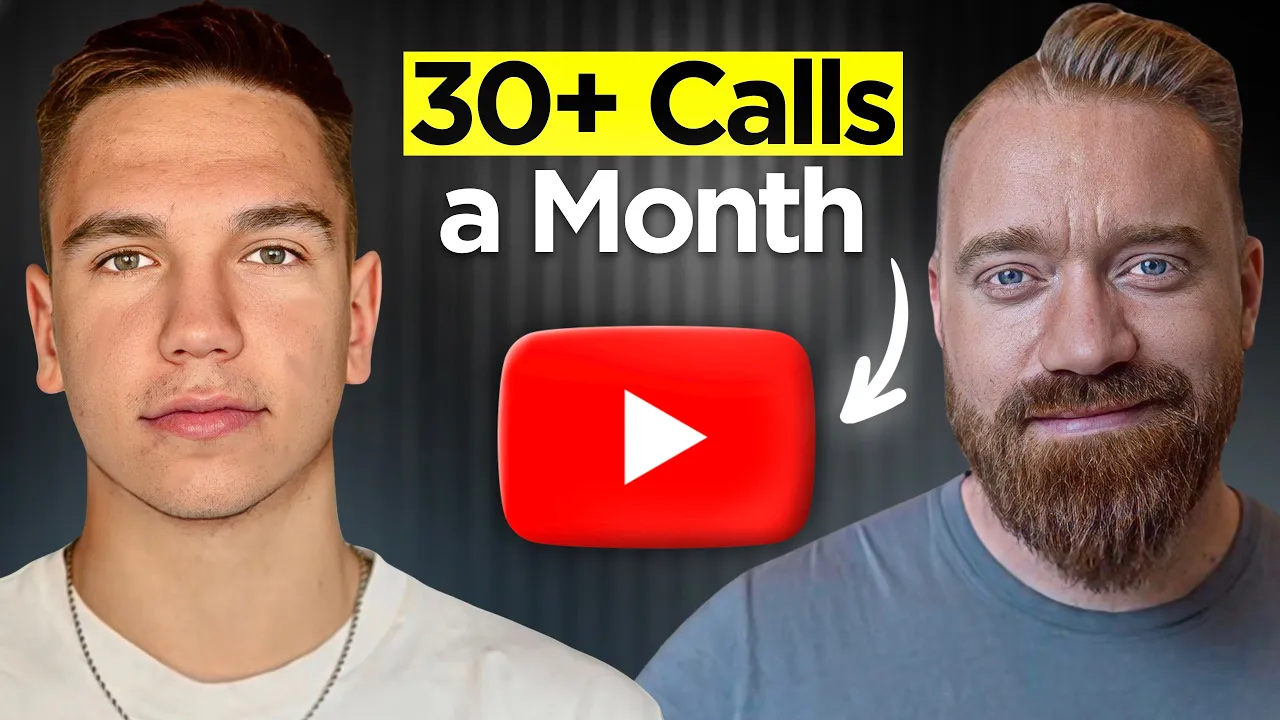
Jeremy Horowitz at CoCo AI added $250,000 in pipeline from the first five videos on a brand-new channel. Everything below comes from running YouTube for B2B companies, and the full model is in our guide to YouTube for B2B.
Three Important Decisions Before Starting
These three choices determine whether your early videos attract buyers or just collect views:
Decide who goes on camera: Buyers evaluate people, so a credible face on camera builds trust faster than a faceless brand channel. That’s often the founder, but it doesn’t have to be. If the founder can’t record, pick one senior person who talks to customers regularly and understands the problem your company solves. A vetted freelance presenter also works. An AI avatar doesn’t.
Define how narrow your audience is: Pin down your ideal customer profile (ICP) before picking a single topic. What we optimize for is reaching as many of the right buyers as possible, whether that’s a couple hundred viewers a video or tens of thousands. Your topics, titles, and examples should make that audience obvious.
Audit what you already have: Look through your existing LinkedIn posts, newsletters, podcast episodes, webinar decks, and other content you’ve already published. They already contain the ideas, opinions, examples, and customer questions that become your first scripts. Then count the audience you already have on LinkedIn, X, or email, because pointing it at the videos from day one is what turns a two-to-four-month wait for leads into two to six weeks.
How to Start a B2B YouTube Channel From Scratch
Once the three decisions above are clear, the steps below show you exactly how to turn that foundation into your first set of videos.
1. Find What Your Buyers Search for on YouTube
Your first topics should come from buyer demand, not from whatever sounds interesting internally. Start with YouTube’s search bar. Type the problem your product solves and look at the autocomplete suggestions.
Then find three to five competitor channels in your space and study:
What topics they cover
Which videos get views
Which questions they answer
Which relevant topics they haven’t touched yet
Those gaps are your openings. The free VidIQ Chrome extension speeds this up by flagging outlier videos, the ones doing far better than their channel’s average, and showing views per hour, so you can see which topics have demand right now. From this research, build a list of 12 to 15 topics that have enough demand from your ICP and that you can credibly cover, and note the keywords for each one. The keyword guides the title, the description uses the terms your buyers use, and the tags match.
2. Build a Three-Month Content Plan Around Topic Demand
Once you’ve got your topic list, organize it into a three-month content plan. Three months is long enough to publish consistently and learn from the results without locking you into a plan for too long.
Build the plan around the topics with the most demand from your ICP, and work out how each one will be packaged before you script it. For each weekly video, the plan should capture:
The Topic: The specific problem or question your ICP has, which the video answers.
The Demand: What you found in search and in competitor outliers that shows enough of your ICP is looking for it.
The Packaging: A draft title and thumbnail concept, planned together.
The Next Step: The one action you want the viewer to take after watching.
A good YouTube strategy builds this plan from your ICP’s search behavior, not what your team happens to want to talk about.
3. Write Scripts From What You’ve Already Published
You’re writing scripts from content you have already published, so there’s no blank-page problem. LinkedIn posts, newsletters, podcast episodes, and conference talks are all script material.
Every script follows the same structure:
A hook in the first 10 to 30 seconds that states the problem the video solves and gives a stranger a reason to believe you’re qualified to solve it
A body that delivers the value one idea at a time
An outro with one clear next step
Actions woven through the body that turn a passive viewer into a lead, like mentioning how you solve the problem for clients at the moment it’s relevant
Because the ideas came from the person on camera, the script still sounds like them. Adam Robinson’s scripts at RB2B were built from his LinkedIn posts and newsletter, and most needed minimal edits.
If you don’t have published content yet, start posting on LinkedIn now. A month of posts gives you enough for your first scripts.
4. Set Up the Channel and Your Packaging System
The basic channel setup takes about 30 minutes. Create a Google account, pick a channel name, add a banner and profile picture, write your About section, and link your website. Google’s own support documentation covers every field.
What matters more is your packaging system, because packaging is what earns the click. Packaging means the title and thumbnail working together as one idea, built around a topic your ICP already wants and aimed at the specific viewer you’re trying to reach. The title should tell the viewer what the video is about and the thumbnail should back it up at a glance.
For thumbnails, keep them simple. A clear face, a few large words, and high contrast, readable at phone size. The fastest way to a good one is to look at the outlier videos in your topic, take the concept that’s already winning, and give it your own twist. Then A/B test thumbnail concepts on the published video and keep the one that earns the most clicks.
5. Batch-Record the First Month in One Session
You don’t need to record one video a week. Batch the work instead. You can record a full month of content in one two-to-three-hour session, and you’re done until next month.
You also don’t need expensive gear. A quality webcam or recent smartphone, a USB microphone or $20 to $50 lavalier, and one key light are enough to start. Prioritize audio because viewers will usually tolerate slightly soft video, but they’ll click away from bad audio in seconds.
Put the scripts on a teleprompter app or second screen and record all four videos back to back. Reading a script on camera feels stiff at first. Read a sentence silently, look at the camera, and say it naturally, and after a few videos the rhythm comes.
6. Edit for Retention and for the B2B Buyer
A B2B video edit doesn’t need to feel like entertainment. It just needs to keep a busy professional watching long enough to trust you and take action.
The edit has four jobs:
Fit the brand, so colors and pacing match your company
Keep people watching by cutting dead air and filler words
Make concepts visual by putting statistics and diagrams on screen
Make the next step clear by putting the CTA on screen during the outro and linking your booking page in the description
If you’re editing yourself, DaVinci Resolve is free and capable enough.
7. Publish Weekly and Route Your Existing Audience to Every Video
Once the channel is running, keep a consistent publishing schedule. One video a week gives viewers a predictable reason to return. It also gives you a steady library of content to build from.
Publishing is half of distribution. Each video should also feed the channels you already use, so turn it into a LinkedIn post, send it to your email list, and post it on whatever other channels you run.
If you’ve already got an audience on LinkedIn, X, or email, pointing it at every new video means leads in 2 to 6 weeks. Taylor Haren’s YouTube drew the same site traffic as his 18k-follower LinkedIn within weeks for exactly this reason. Without an existing audience, 2 to 4 months is realistic.
The compound effect comes from the library you build over time. A video you publish this week can still generate leads a year from now. One of Samu Kovacs’ videos from three years ago still brings weekly email signups. YouTube is evergreen in a way LinkedIn and tweets aren’t.
8. Track Leads, Not Subscribers
A channel with 2,300 subscribers generated $66,000 in revenue from a single $5,500-per-month deal on a 12-month contract. Taylor Haren’s generated $28,000 in pipeline in its first 28 days. Subscriber count doesn’t tell you much. What matters is how many leads, booked calls, and signups YouTube is driving.
Set up three tracking layers:
Add “How did you hear about us?” to every booking form and sales call. YouTube is a dark funnel channel, and people won’t always click a link. They’ll just Google your company after watching. That free-text field catches attribution the UTM links miss.
Include UTM parameters to every link in your video descriptions and pinned comments.
Keep a simple spreadsheet or CRM view to track booked calls by source, week over week.
At the end of month three, review what worked. Also look for the videos that drove calls, signups, and meaningful engagement. Use that data to plan your next quarter.
Your First 90 Days on a Timeline
The first video goes live in week three. This timeline is the process we run with clients, and the speed comes from building scripts out of content that already exists. There’s a condensed version in our YouTube for B2B guide.
Milestone | When | What Happens |
|---|---|---|
Onboarding and alignment | Day 1 | Decide who’s on camera, define your ICP, and audit existing content |
Scripts ready | Week 1 | Write the first month’s scripts from your existing published content |
Recording | Week 2 | Record all four videos in one two-to-three hour session |
First video live | Week 3 | Publish the first video with full packaging and distribution |
Weekly uploads | Week 4 onwards | Publish one video per week and distribute it through LinkedIn and email |
Review and re-plan | Month 3 | Analyze which videos drove leads and rebuild the plan for the next quarter |
Mistakes That Stall New B2B Channels
New B2B channels stall for the same five reasons, and none of them are about production quality.
Product-only videos: If every video is a product demo, you’re treating YouTube like a product page with a play button. Give buyers more useful information before asking them to care about your product.
AI-written scripts with no input from the person on camera. AI can help with drafting, and it shows when nobody edits it out. Half the work of using AI in a script is removing the parts that sound like a machine wrote them, and most agencies skip that half. The final script has to sound like the person on camera.
Treating YouTube as video storage: Uploading a webinar recording is not the same as building a YouTube video for your buyers. Every video needs a clear topic, audience, title, thumbnail, and reason to watch.
Skipping weeks: One missed week turns into two, and two turns into a dead channel. A consistent schedule gives the channel a better chance to build momentum.
Judging results at week four: YouTube is a compounding channel. The leads come from the library, not any single video. Give it 90 days before you evaluate.
Start Building Your YouTube Channel This Week
YouTube is a 12 to 36 month play, but the first video doesn’t have to take long. Pick the person who goes on camera, audit what you’ve already published, and start building your topic list from what your buyers actually search for.
If you want a team to handle the strategy, scripting, editing, thumbnails, SEO, and distribution so the founder only records, book a free YouTube strategy call. We’ll walk you through what a first quarter looks like for your channel, and our guide to how much B2B YouTube costs covers what to budget.
Frequently Asked Questions
Do We Need Expensive Gear?
A quality webcam or recent smartphone, a USB or lavalier mic, and a key light is enough. Audio quality matters more than video quality for B2B. Although viewers will tolerate slightly soft video, they won’t stick around for bad audio. You can upgrade later once the channel is generating leads.
How Many Videos Before We See Leads?
It depends on your starting point. If you already have an audience on LinkedIn, email, or podcast, you can see leads in 2 to 6 weeks. Starting from zero with no audience requires 2 to 4 months of consistent publishing.
Can We Do This Without the Founder?
Founder-led content works well, but it isn’t the only option. If the founder can’t record, choose one person who talks to customers regularly and knows the problems you solve, and make them the consistent face of the channel. A vetted freelance presenter is the next option. An AI avatar isn’t, because viewers spot it and the trust never arrives.